Low latency, high frame rate
Up to 120 fps. Stabilization, HDR and other processing that add delay are off by default, and the app shows you the measured frame rate and delay.
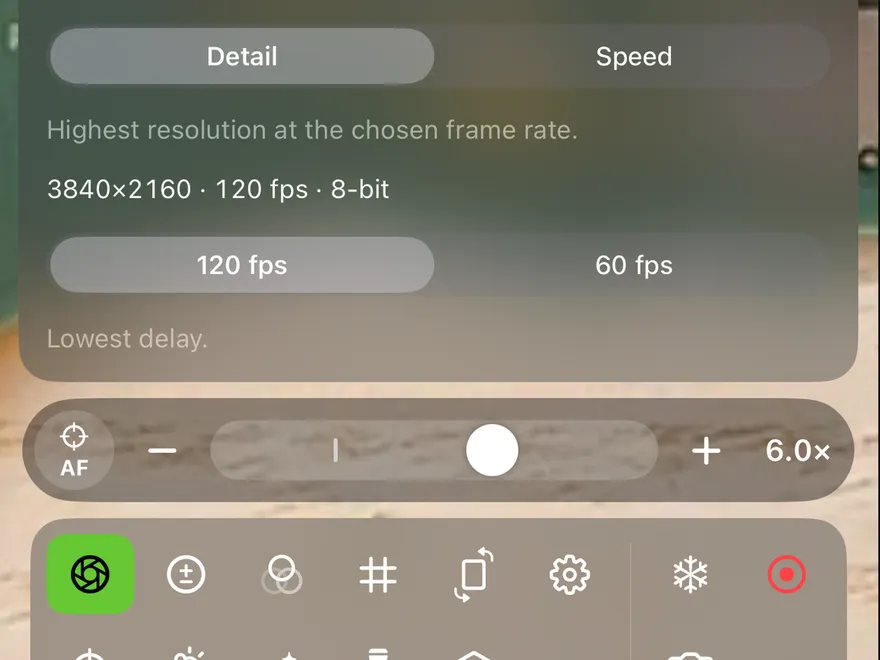
BenchScope shows a live, magnified view at up to 120 fps, with as little delay as possible, so your hands and the screen stay in sync.
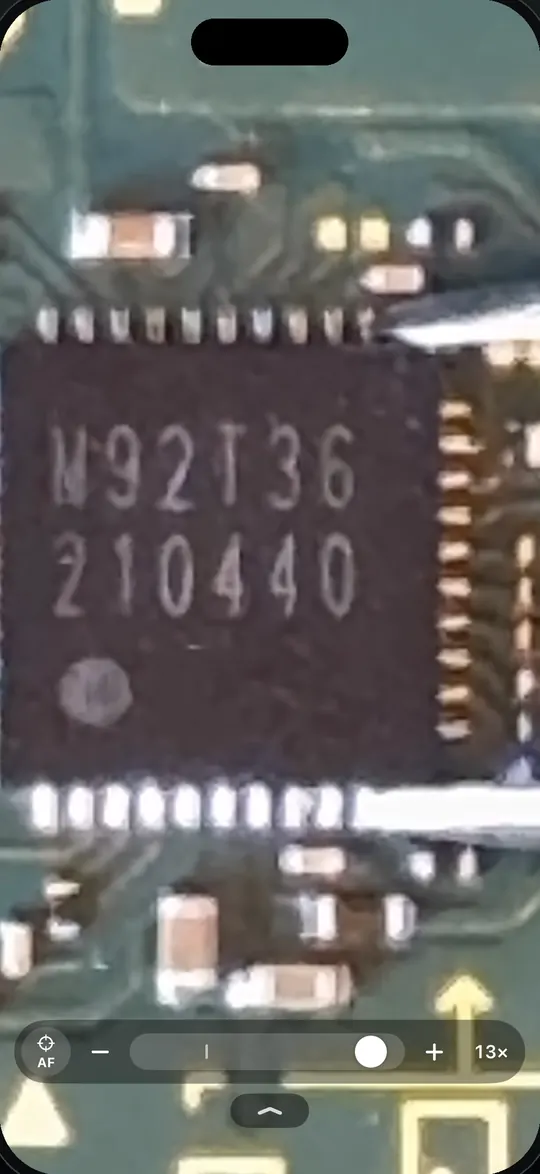
Most magnifier apps lag half a second behind your hands. That's fine for reading labels, and useless when you're holding a hot iron.
Up to 120 fps. Stabilization, HDR and other processing that add delay are off by default, and the app shows you the measured frame rate and delay.
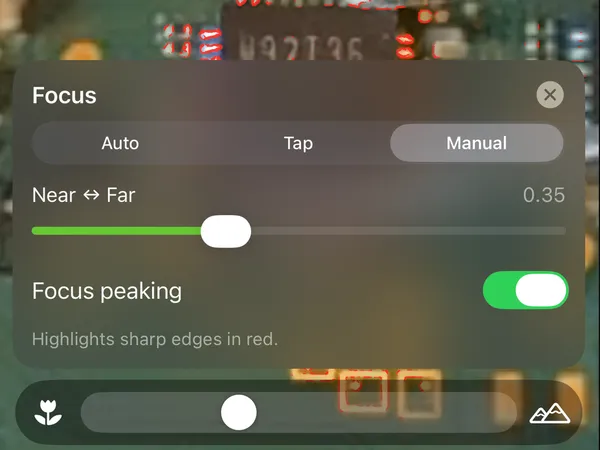
Pick the lens, zoom without losing sharpness, tap to focus or lock it, set ISO, shutter and white balance by hand.
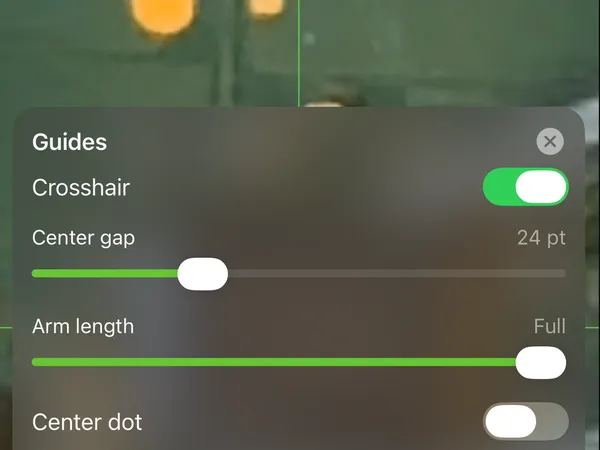
Rotate and mirror the image to match your hands, lock the screen orientation, add crosshair, circle or grid guides, and use the flash as a work light.
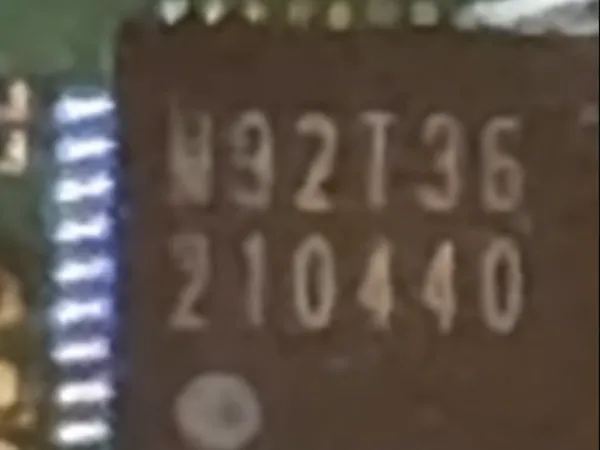
Freeze the image and pinch into it to check for bridges. Save photos and video to your library.
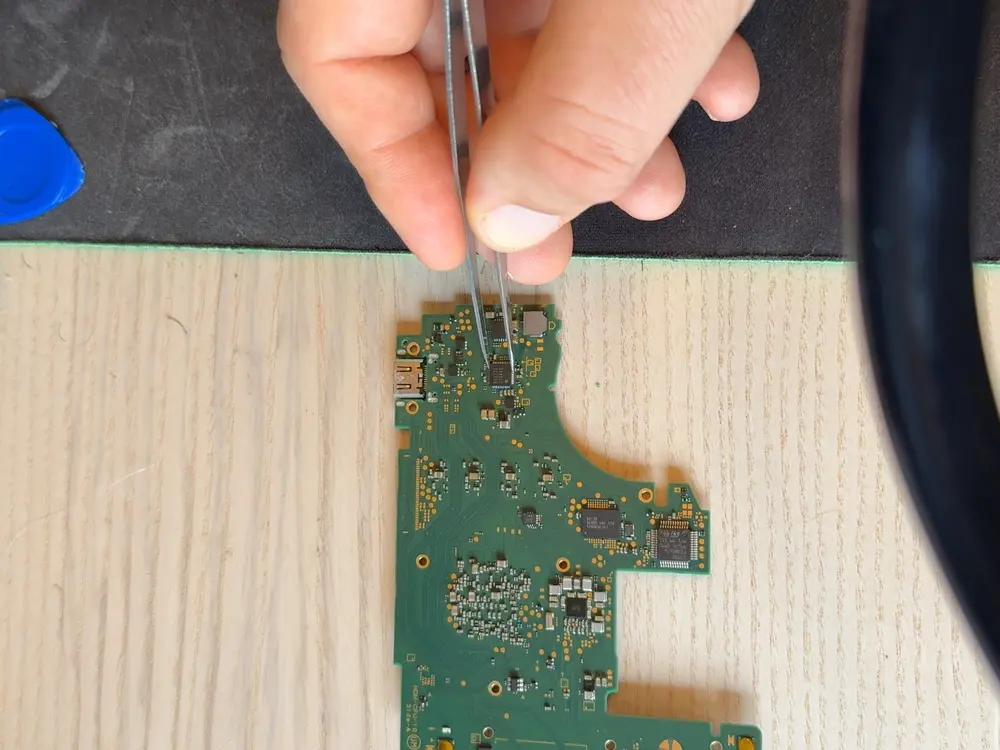
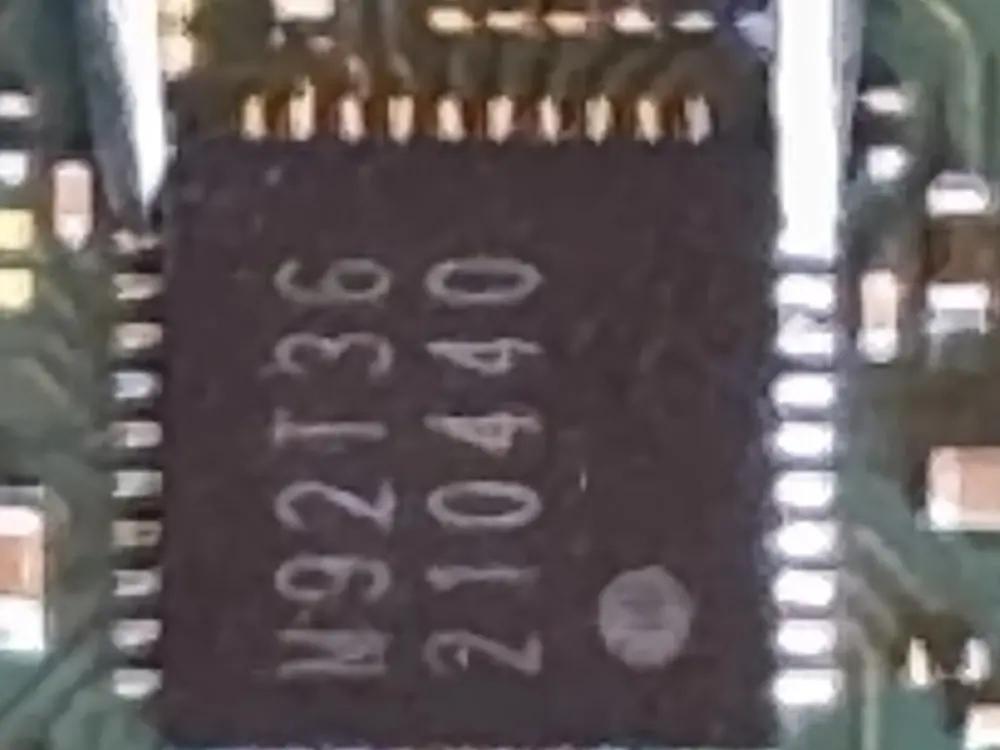
BenchScope was built while replacing an M92T36 USB-C charge controller (a QFN-40) in a Nintendo Switch Lite.
Free for 10 minutes a day.
One purchase removes the limit. No subscription, and it works on all your devices and with Family Sharing.

Your camera image never leaves your iPhone.
No account, no analytics, no ads, no tracking.
Read the privacy policy